AMODRYA 11-in-1 Device Cleaning Kit
Blue
$19.99
Skip to product information

Packing list:
Product Image:


AMODRYA 11-in-1 Device Cleaning Kit
$19.99
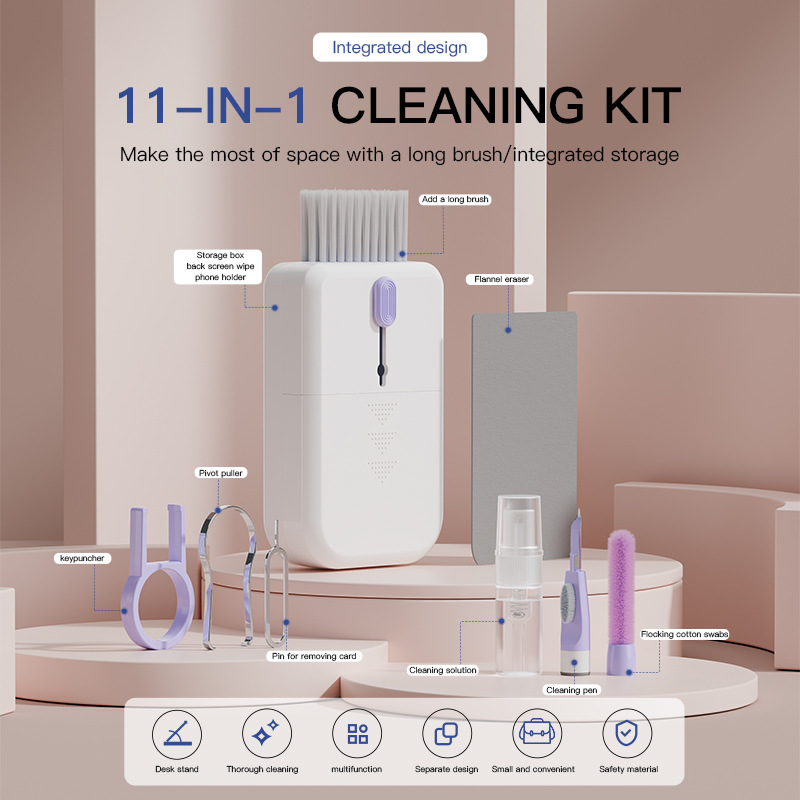
Complete Device Cleaning in One Compact Kit
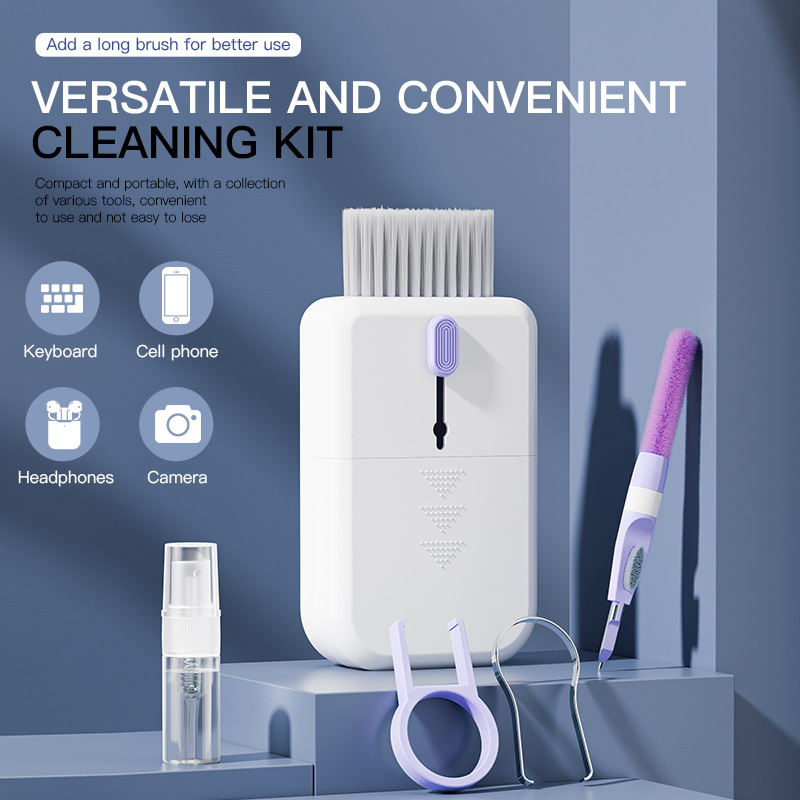
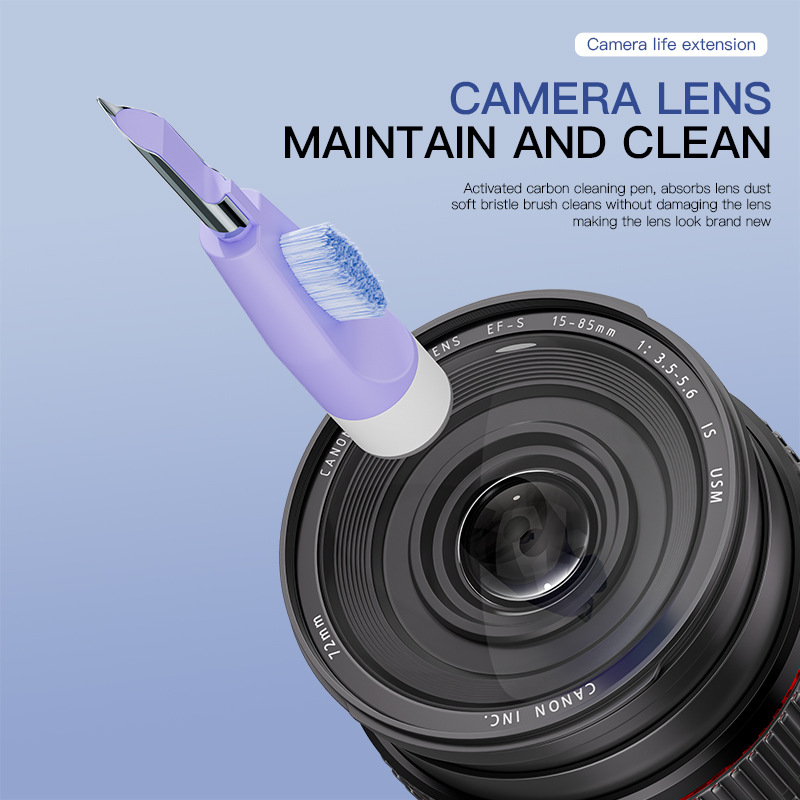
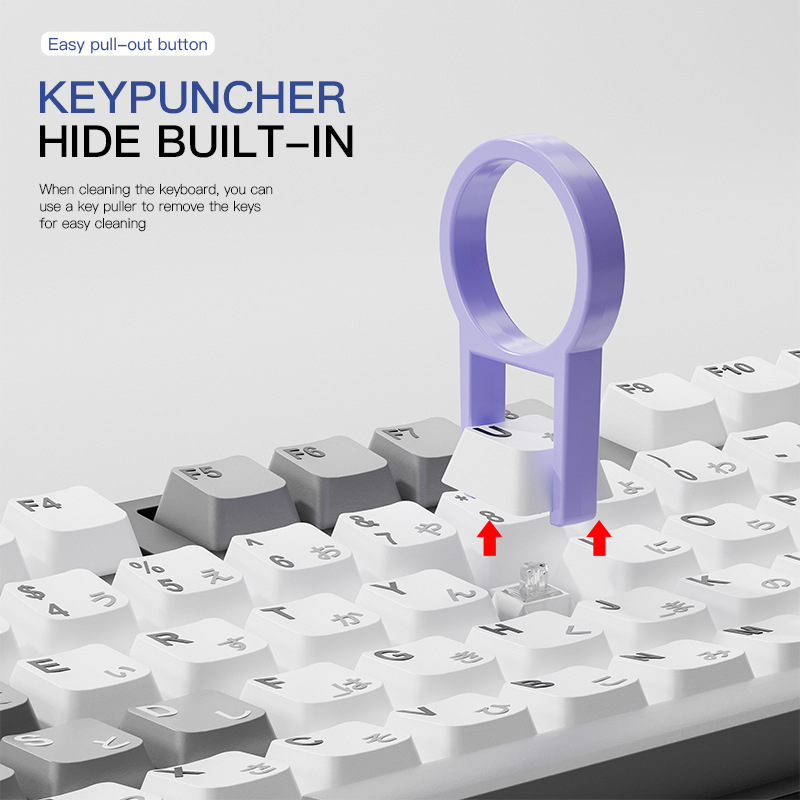
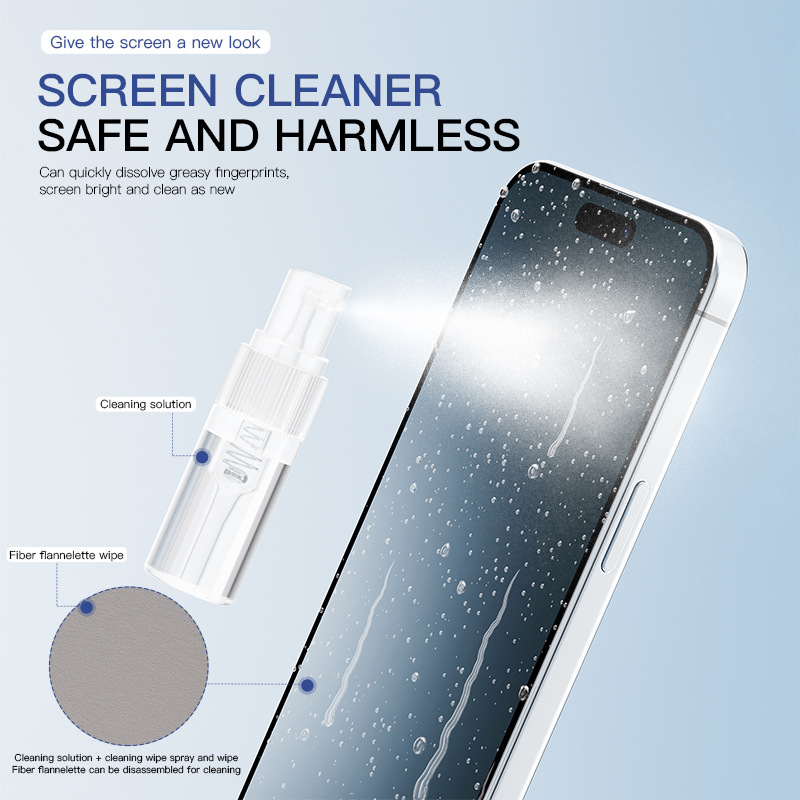
The AMODRYA 11-in-1 Electronics Cleaning Kit provides a convenient collection of tools for cleaning keyboards, screens, earbuds, phones, cameras, laptops, and other everyday electronic devices.
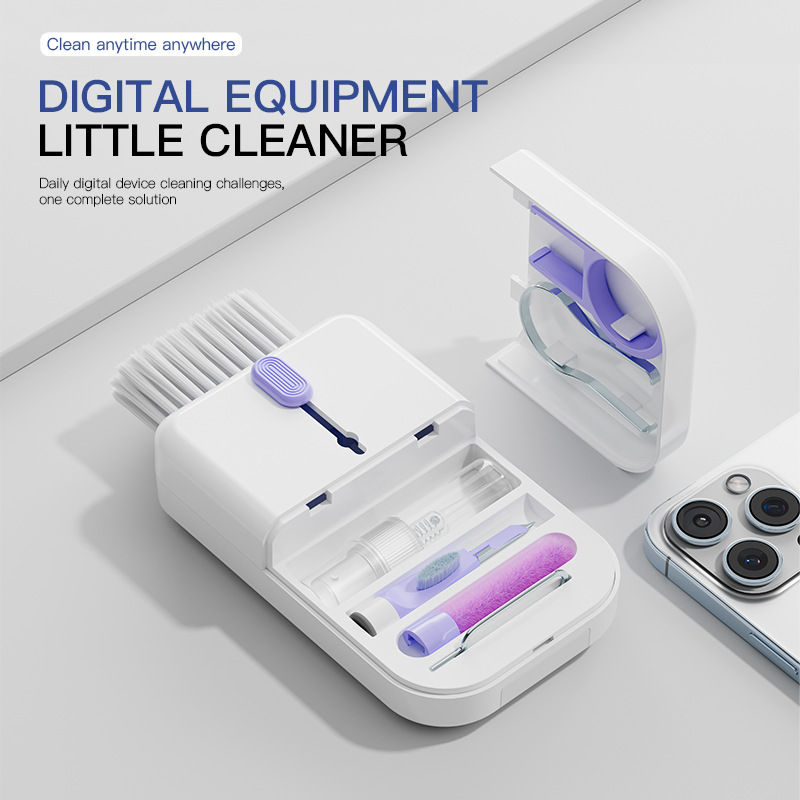
Its compact storage case keeps each tool organized and easy to access at home, at work, or while traveling.
Key Features
- Eleven cleaning tools in one compact kit
- Suitable for keyboards, laptops, smartphones, screens, earbuds, cameras, and other electronic devices
- Built-in storage case keeps tools organized
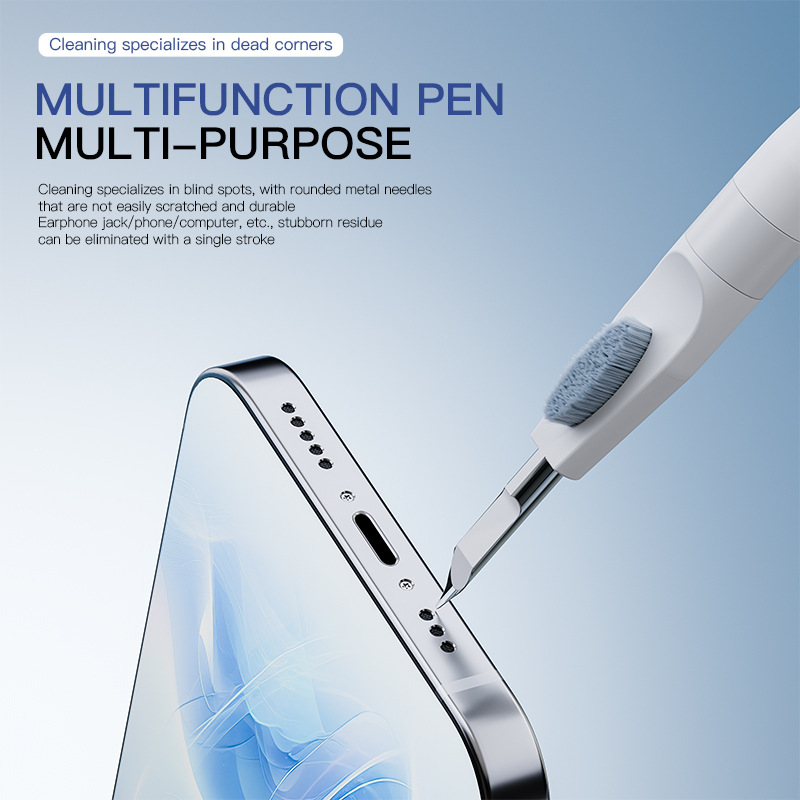
- Small brushes help remove dust and debris from narrow spaces
- Screen-cleaning tools assist with fingerprints and surface marks
- Portable design suitable for office, home, or travel
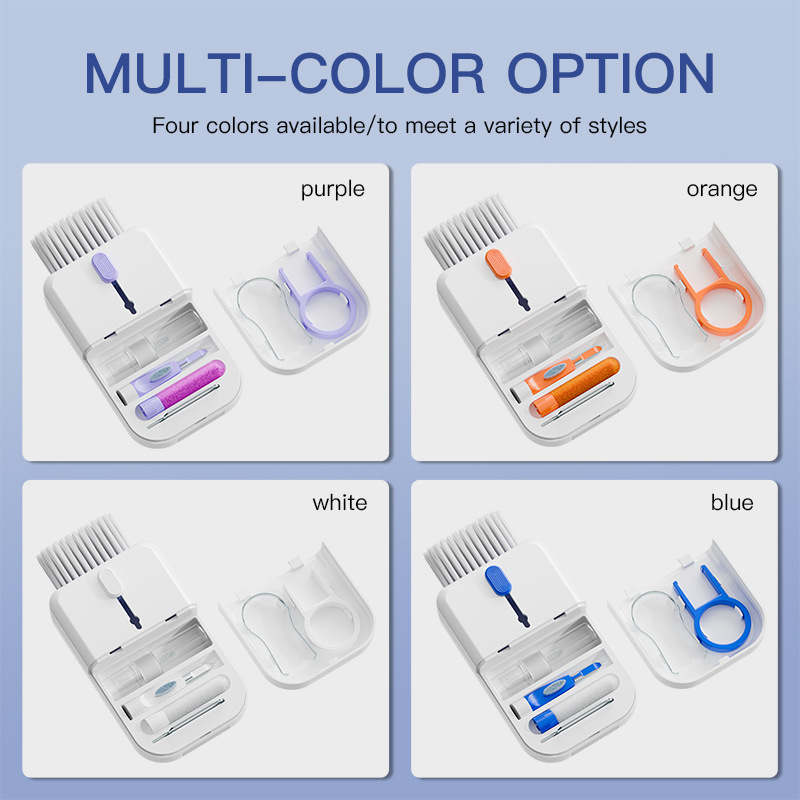
- Multiple colors available
- Reusable tools designed for routine device care
Suitable For
- Computer keyboards
- Laptop screens
- Mobile phones
- Earbuds and charging cases
- Digital cameras
- Tablets
- Small electronic accessories
- Desk and workspace equipment
Product Details
- Product Type: 11-in-1 Electronics Cleaning Kit
- Material: Plastic and cleaning components
- Available Colors: White, Blue, Purple, and Orange
- Approximate Size: 11 × 5.6 × 2.8 cm
- Intended Use: Electronic-device cleaning and maintenance
Package Includes
- 1 × Multifunctional electronics cleaning kit
- Integrated storage case
- Cleaning tools and accessories as shown
Package contents should be confirmed according to the selected product variant.
How to Use
- Turn off and disconnect the electronic device before cleaning.
- Select the appropriate cleaning tool.
- Remove dust and debris using gentle movements.
- Use screen-cleaning tools only on compatible surfaces.
- Clean and dry the tools after use where applicable.
- Return each tool to the storage case after cleaning.
Important Notes
- Do not apply excessive pressure to screens, lenses, or delicate surfaces.
- Do not use liquids directly on electronic devices.
- Confirm that all devices are powered off before cleaning.
- Keep small components away from children.
- Product color may vary slightly due to lighting and screen settings.
- Minor measurement differences may occur due to manual measurement.
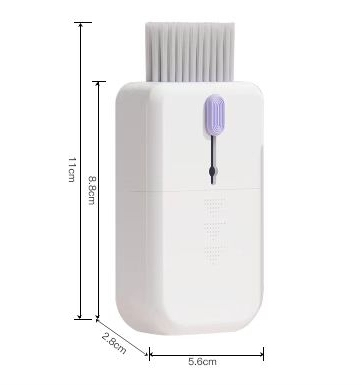
Packing list:
1* Cleaning Brush
Product Image: